
Best Practices I Use to Secure Custom Web Applications
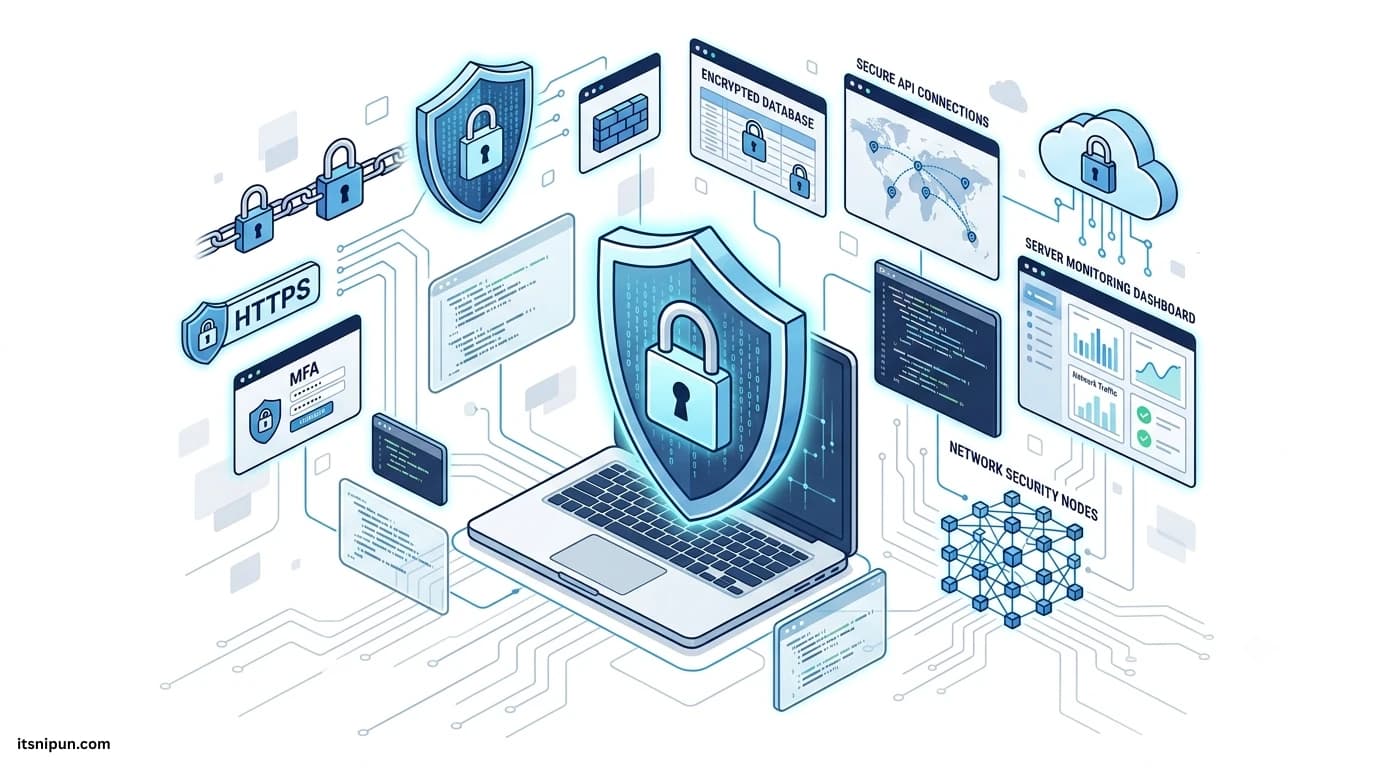
Over the past few years, I've worked on different custom web applications, from business websites and admin panels to enterprise management systems. One thing I've learned is that building a system is only half the job. Keeping it secure is just as important.
Many businesses focus on adding new features, but security often gets pushed aside until something goes wrong. In my opinion, that's one of the biggest mistakes a development team can make.
Whenever I develop an online system, I treat security as a core part of the project from the very beginning—not something to add after launch. Here's how I approach securing every custom-developed online system.
I Start Thinking About Security Before Writing Code
Before I begin development, I spend time understanding the system.
I ask myself questions like:
- What kind of data will this system store?
- Who should be able to access each feature?
- What happens if someone tries to bypass authentication?
- What could go wrong if the database is exposed?
Planning these things early helps me build a stronger and more secure architecture.
I Never Compromise on Authentication
A login page might look simple, but it's usually the first target for attackers.
That's why I always:
- Store passwords using secure hashing algorithms.
- Enforce strong password requirements.
- Enable Multi-Factor Authentication (MFA) whenever possible.
- Limit failed login attempts.
- Automatically lock accounts after repeated unsuccessful logins.
I believe a strong authentication system is the first line of defense.
I Only Give Users the Access They Need
One principle I always follow is least privilege.
If someone doesn't need administrator access, they shouldn't have it.
I design systems using role-based permissions so every user only sees the features and information relevant to their role. This reduces the chance of accidental mistakes and limits the damage if an account is compromised.
I Always Use HTTPS
Every custom system I deploy uses HTTPS.
Encrypting communication between users and the server protects sensitive information such as login credentials, personal details, and payment data.
Without HTTPS, data can be intercepted much more easily. Today, there's really no reason not to use it.
I Never Trust User Input
One rule I always remember is simple:
Never trust user input.
Every form, search field, URL parameter, and API request is treated as untrusted data.
To reduce security risks, I always:
- Validate input on the server.
- Sanitize user-submitted data.
- Escape output before displaying it.
- Reject invalid requests.
These practices help protect against common attacks like SQL Injection and Cross-Site Scripting (XSS).
I Protect Every API
Modern applications rely heavily on APIs, so I treat them with the same level of security as the main application.
I make sure every API:
- Requires authentication.
- Validates incoming requests.
- Uses secure access tokens.
- Applies rate limiting.
- Records suspicious activity.
An unsecured API can expose an entire application, even if the frontend looks secure.
I Encrypt Sensitive Data
Not every piece of information should be stored as plain text.
Whenever a system handles confidential information, I encrypt sensitive data such as personal records, API credentials, and financial details.
Passwords are always hashed—not encrypted—and never stored in plain text.
I Keep Everything Updated
Cybersecurity changes every day.
New vulnerabilities are discovered regularly, so I make it a habit to update frameworks, packages, libraries, operating systems, and server software whenever security patches are available.
Running outdated software is one of the easiest ways to introduce unnecessary risks.
I Monitor the System Continuously
Security doesn't end after deployment.
I monitor logs and system activity to identify unusual behaviour, including:
- Multiple failed login attempts
- Suspicious API requests
- Permission changes
- Large data exports
- Unexpected server errors
Detecting problems early allows me to respond before they become serious incidents.
I Test Security Regularly
Even well-written code can contain vulnerabilities.
That's why I regularly perform:
- Code reviews
- Security testing
- Dependency vulnerability scans
- Penetration testing
- Server audits
Finding weaknesses before attackers do is always the better outcome.
I Never Skip Backups
No matter how secure a system is, unexpected problems can still happen.
Hardware failures, accidental deletions, ransomware attacks, or human mistakes can all lead to data loss.
That's why I always maintain automated backups and test that they can actually be restored when needed.
A backup is only useful if it works.
I Secure the Server Too
Application security alone isn't enough.
I also secure the server by:
- Configuring firewalls
- Restricting SSH access
- Disabling unused services
- Keeping the operating system updated
- Protecting environment variables and secrets
A secure application running on an insecure server is still vulnerable.
I Encourage Security Awareness
Technology alone can't prevent every security incident.
Many attacks succeed because someone clicks a phishing email or shares login credentials.
Whenever I work with teams or clients, I encourage simple security habits like using strong passwords, enabling MFA, and reporting suspicious activity.
People are an important part of any security strategy.
My View on Security
From my experience, security isn't a feature you finish and forget. It's an ongoing responsibility.
Every update, every new feature, and every third-party integration introduces potential risks. That's why I continuously review, improve, and strengthen the systems I build.
Whether I'm developing a CRM, healthcare platform, recruitment system, e-commerce website, or internal business application, I always aim to build security into the foundation—not add it later.
Final Thoughts
A custom-developed online system gives businesses the flexibility to grow and adapt, but it also comes with the responsibility of protecting users and their data.
For me, security isn't just about preventing cyberattacks. It's about building trust, protecting businesses from unnecessary risks, and creating systems that people can rely on every day.
The best security strategy isn't reacting after something happens—it's building your system the right way from the very beginning.